 Behaviour Brain
How it works
From the classroom to the head's office, in five steps.
Teachers record what happens. Behaviour Brain turns it into the picture leaders need.
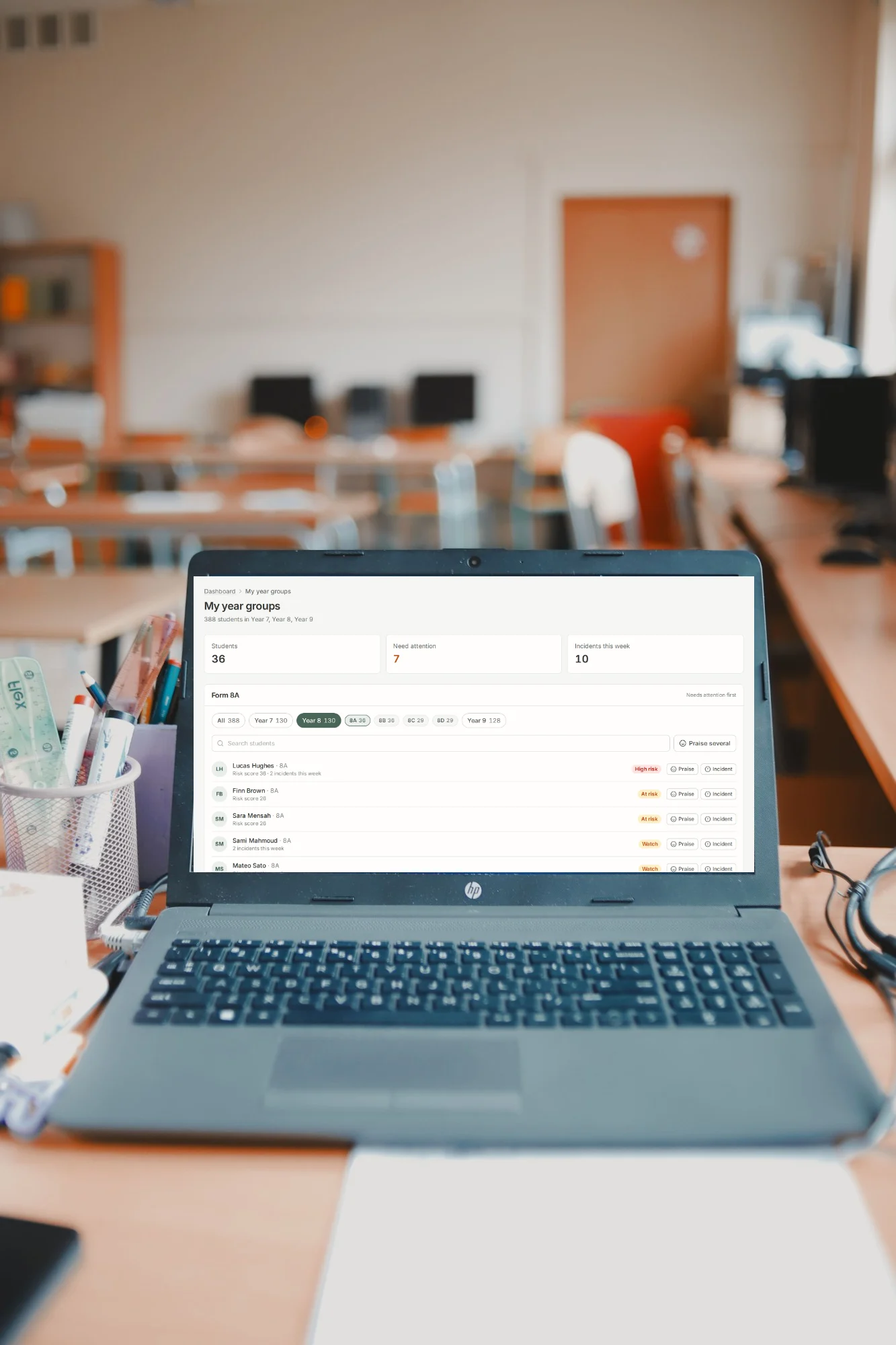
Teachers record what happens
Recognition or an incident takes a few clicks, using the levels and categories set by your own behaviour policy.
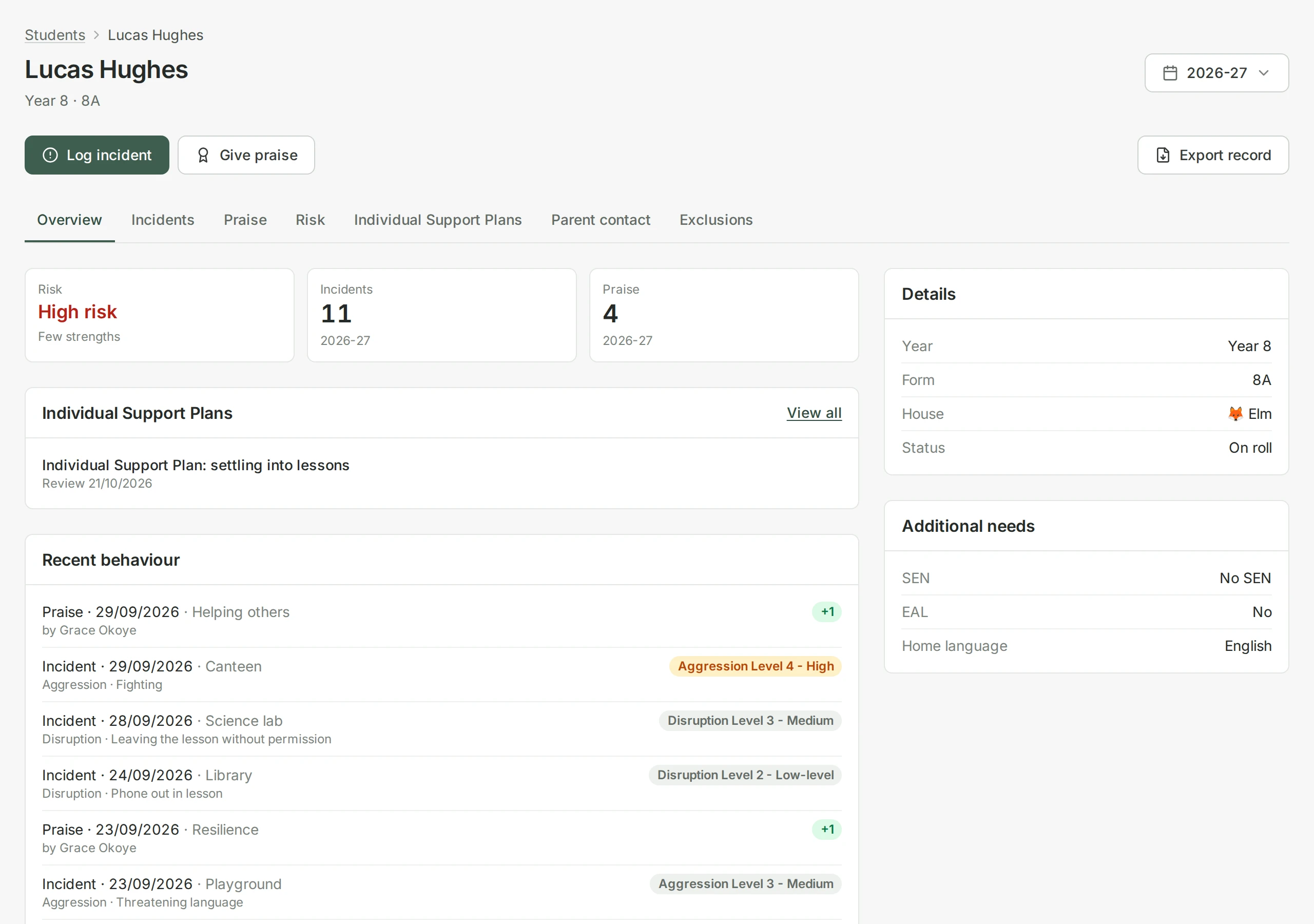
Every student has one profile
Incidents, recognition, risks, strengths and parent contact sit together, so anyone with access sees the full picture.
The students who need attention come first
Concerns and recognition are scored separately and updated as soon as anything is recorded, so recognition never hides an incident. The staff who need to know see who to check in with this week.
Follow-ups get done
An incident that needs a follow-up has a name and a date. Heads of year see what is open and what is overdue and the person who asked is told when it is done.
Support is planned and reviewed
Staff write Individual Support Plans with clear targets and review dates, with suggestions for each student's plan, based on the full picture, which staff check and edit. At each review the targets are checked against your own records. Plans record the student's and parents' views and print as a parent-friendly copy.
Serious behaviour
When a teacher records serious behaviour, your safeguarding lead is told straight away, by email and in the app.
Behaviour Brain keeps that trail. Your safeguarding records stay where they are.
- Serious behaviour flagged to the safeguarding lead
- Marked as seen, so everyone knows it is in hand
- Outcome noted: recorded on your system, or no further action